
Speaker Blog Post: When SQL Server Security ‘Looks Fine’: What I Look at First
May 01, 2026
By Andreas Wolter, Pre-Con speaker at PASS Summit East 2026
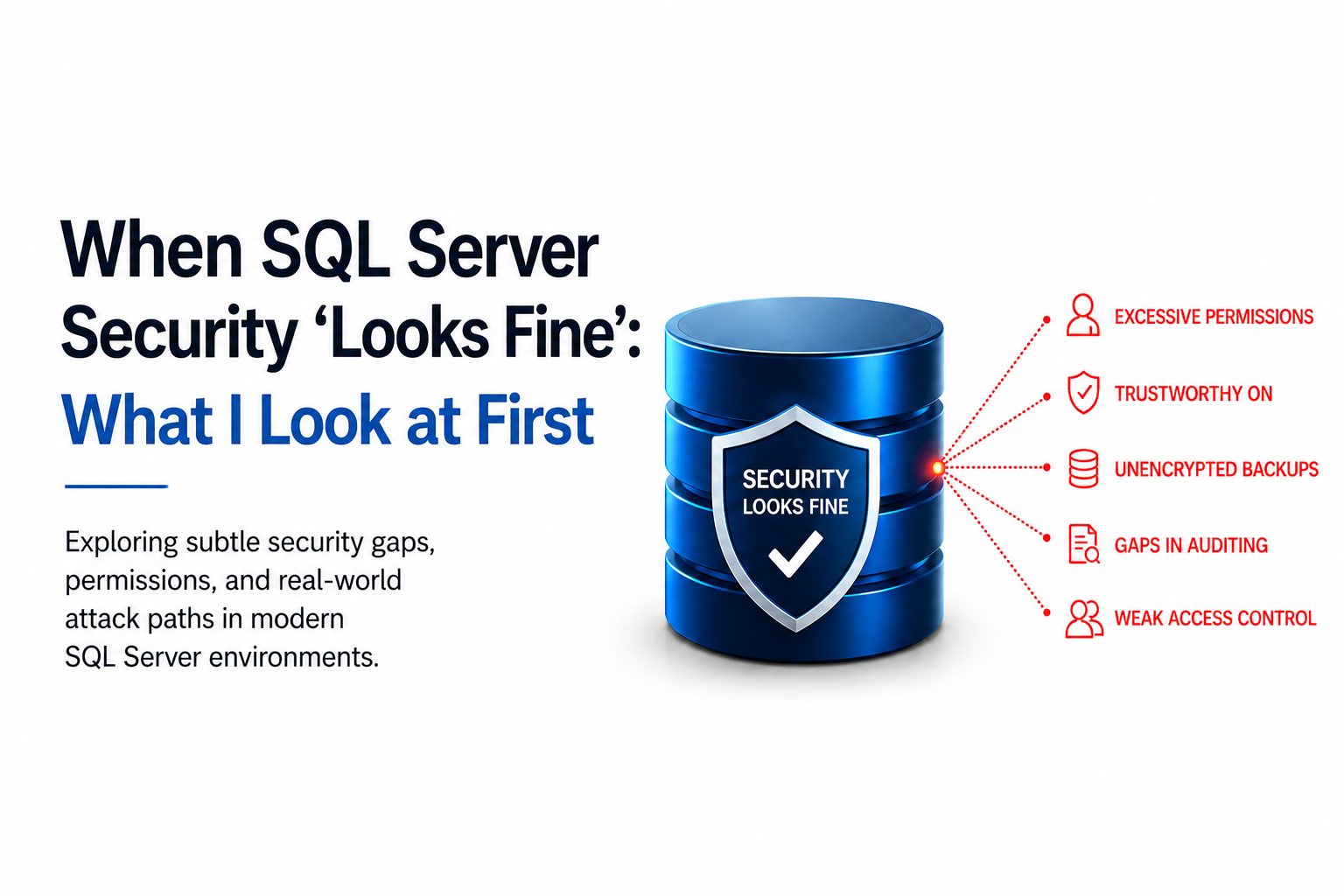
SQL Server security is evolving quickly. Not just because of new features, but because increasingly complex environments create new opportunities for subtle security gaps. Today, the bigger challenge is often not whether controls exist, but whether permissions, configurations effectively stop real-world attack-paths.
Moving beyond security theater toward defensible design is a key part of what I’ll be discussing at PASS Summit East.
There are two types of situations when I work with customers:
- Those who already have concerns about their security posture
- And those where security wasn’t the focus at all (migration, performance, HA, cost optimization…)
Interestingly, both often end up in a similar place.
Even without running a full assessment, there are a few things I always pay attention to, because those are quick and easy indicators.
Number 1: Connection encryption
Starting right at Logon: If I cannot use Mandatory encryption without checking the Trust Server Certificate, then there is either no Enterprise CA in place or SQL Server hasn’t been made work with it.
If you want to know more about that you can read up here: Use TLS 1.2 and trusted certificates to encrypt data in transit for all SQL Servers, including development environments
Not critical on its own – but a quick signal about how seriously encryption is handled.
Number 2: Trustworthy
No matter what exact purpose my project serves, I will for sure take a look at the list of databases and some important properties, like Recovery mode, Page-verify, Trustworthy and Transparent Data Encryption.
The Trustworthy setting is specifically dangerous, as it allows easy elevation from the database context to sysadmin.
I have written about that here: Privilege Escalation to sysadmin via Trustworthy Database setting
So, when I see this it’s typically something that I will mention at some point, to not leave the client in the dark. Sometimes it is valid, but very often the clients are unaware and it will become a follow-up with the vendor or whichever party is involved here.
Next, based on the same database-properties list:
Number 3: Database encryption and Backups
Are any databases encrypted with TDE (Transparent Data Encryption)? Are the Backup encrypted (if TDE is not used)? And most importantly: how and where are Backups stored?
Unfortunately, in large environments with hundreds of SQL Server, it is common to find several servers which use some quickly crafted backup plan and store Backups locally.
When I see encryption active, I can tell that the customer is trying to protect himself with more than just the basics. However, looking at the bigger picture, it often turns out that this protection often turns out to be more of a mental band-aid than real protection against actual attack paths. (Yes, I am aware of the backslash I will be getting from some folks 😊)
Long story short: this is something I typically start at least a brief conversation with the customer about, to understand his actual intent.
I go into more detail about protecting data at rest here: Protecting database data at rest: Transparent Data Encryption, Backup Encryption or Always Encrypted
Number 4: Auditing
It just takes a few seconds to check if there is any Security Auditing configured for SQL Server. And if it is, within a few more clicks or a script I know if it actually captures at least what I consider the essentials: activities that tamper with security.
Here is a published list of those events to audit minimally: Recommendation for Security Auditing for databases – with example for Microsoft SQL Server
But don’t stop there:
The most complete audit setup does not matter if it never gets looked at and is overwritten or deleted after days.
Number 5: databases access control
Once I connect to some databases, I will take note how access control is set up.
Even without a deep investigation, it is often easy to tell if applications rely on db_owner membership for everything – or if applications make use of more granular roles and permissions.
Unfortunately, db_owner is extremely common. Often as a replacement for “dbo”.
And while I applaud the spirit, in reality however, the step from db_owner to dbo is trivial.
And just in time for this blog-post, following a recent discussion with Microsoft, this risk is now explicitly called out in the documentation, albeit not under the role itself but under EXECUTE AS: Security considerations
Further things I look out for
SQL Server security doesn’t exist in isolation.
Operating system settings, service accounts, network configuration, and SQL Server access interact. Weaknesses emerging at any of those layers can often completely nullify further protection mechanisms.
And don’t forget the applications themselves. If they use SQL Authentication the likely need to store the password somewhere. How is it protected?
Over the past two years, I’ve been running structured security assessments across a range of SQL Server environments. And before that, at Microsoft, I worked on security reviews and threat modeling (STRIDE), as well as vulnerability assessment and incident response.
One thing that I learned from all that, is that very often, security is based on general checklists (and sometimes very short ones), and not necessarily reflect real-world attack paths. And once the checklist is “done”, that’s usually where the effort stops.
Checkbox vs reality
As you can see, the presence of controls (Auditing, TDE, etc.) does not necessarily mean the system is secure. On paper, many environments check the right boxes.
But when you look at how an attacker would actually move through the system and how long it often takes to detect breaches, the standard-checkbox doesn’t cut it any more.
In practice, most attacks on SQL Server don’t start from zero. Attackers usually already have some level of access. From there, they look for the easiest path forward.
That’s why it matters which doors are actually locked – and which ones only appear to be or do not matter at all – depending on the breach.
Understanding that difference is what turns a “secure-looking” environment into a defensible one.
If you want to explore this further
If you want to explore this further, this is exactly what I’ll be focusing on in my Pre-Con session at PASS Summit East (May 7-8 in Chicago):
“SQL Server Security vs. Security Theater: Build a Defensible Data Estate.”
We’ll walk through real-world escalation paths, common misconfigurations, and how to evaluate and improve security based on how attacks actually happen.
Details and registration: https://passdatacommunitysummit.com/east/
I look forward to seeing you on-site in Chicago,
Andreas
Get the Latest
Sign up to stay up to date with news, special announcements and educational content.
Redgate will only contact you about PASS Data Community Summit (in line with our Privacy Policy) unless you separately request emails about Redgate. You can unsubscribe from these updates at any time.
Thanks for submitting! We'll be in touch soon.